As an Amazon Associate I earn from qualifying purchases. Hamejur's conclusions remain editorially independent.
Smart living · Buyer guide
Short answer: the best portable photo printers are really choices about media. Pick the Canon SELPHY QX20 for square and card-size sticky prints, the Fujifilm instax mini Link 3 for bordered instant film that develops after ejection, and the Polaroid Hi·Print 2×3 Generation 2 for one straightforward sticky format. Before buying the printer, choose the print shape, adhesive behavior, cartridge or film routine, app connection, and starter supplies you will keep using.
Disclosure: As an Amazon Associate I earn from qualifying purchases. Hamejur does not receive payment for choosing one model over another. Prices, availability, colors, package contents, and specifications can change, so confirm the exact model before ordering.
Quick verdict
Best format flexibility: Canon SELPHY QX20. It accepts separate square and card-size ink-and-label sets, with sticky backing, Wi-Fi Direct, a phone app, a built-in battery, and USB-C charging.
Best instant-film experience: Fujifilm instax mini Link 3. Bluetooth printing, a bordered image that develops after ejection, roughly 100 manufacturer-estimated prints per charge, and event-oriented app tools define its role.
Best simple 2-by-3 sticker workflow: Polaroid Hi·Print Gen 2. The paper and color material come in ten-sheet all-in-one cartridges. Add media and a USB-C cable because neither is in the printer box.
The three picks at a glance
FORMAT-FLEXIBILITY PICK
Canon SELPHY QX20
Two sticky-backed formats, dye-sublimation printing, a built-in battery, USB-C charging, Wi-Fi Direct, and one app make this the flexible scrapbook and journal choice.
Watch for: square and card media use different Canon ink-and-label sets. The USB-C cable is included, but the power adapter is not.
INSTANT-FILM PICK
Fujifilm instax mini Link 3
Bluetooth, an instant-film process, a 15-second manufacturer print time, about 90 seconds of development, USB-C charging, and a playful app favor social sharing.
Watch for: the 86-by-54 mm sheet contains a smaller 62-by-46 mm image area, the film is sold separately, and the finished print is not a peel-and-stick label.
SIMPLE 2×3 STICKER PICK
Polaroid Hi·Print 2×3 Generation 2
A single 2.1-by-3.4-inch sticky format, all-in-one ten-sheet cartridges, 4PASS dye-diffusion printing, Bluetooth, and USB-C charging keep the media decision simple.
Watch for: the printer box includes neither a cartridge nor a USB-C cable. Each cartridge holds ten sheets, and Polaroid states up to twenty prints per charge.
How Portable Photo Printers Compare
| Decision factor | Canon SELPHY QX20 | Fujifilm mini Link 3 | Polaroid Hi·Print Gen 2 |
|---|---|---|---|
| Print process | Dye-sublimation thermal transfer | Instant film with OLED exposure | 4PASS dye-diffusion thermal transfer |
| Finished format | 2.7-in square or 2.1-by-3.4-in card | 86-by-54 mm bordered sheet | 54-by-86 mm full print |
| Active image area | Depends on selected Canon media and border choice | 62 by 46 mm | 2.1 by 3.4 in |
| Adhesive backing | Yes | No | Yes |
| Consumable system | Size-specific paper plus ink cassette | instax mini film pack | Ten-sheet all-in-one cartridge |
| Phone connection | Wi-Fi Direct and SELPHY app | Bluetooth 5.1 and instax app | Bluetooth and Hi-Print app |
| In-box gap | No power adapter | Film sold separately | No cartridge and no USB-C cable |
Sheet dimensions are not always the same as the photographed image area. Print times and battery output are manufacturer estimates under particular conditions, and media availability can change.
Choose the media system before the printer body
Start with the finished print, not the device
Measure the album pocket, journal page, gift enclosure, or display area. A square sticker, a bordered instant print, and a full 2-by-3 sticker serve different layouts even when the printer bodies look similarly portable. Decide whether the image needs adhesive and whether a white border is part of the look. The wrong format cannot be fixed by an app filter.
Consumables define recurring effort
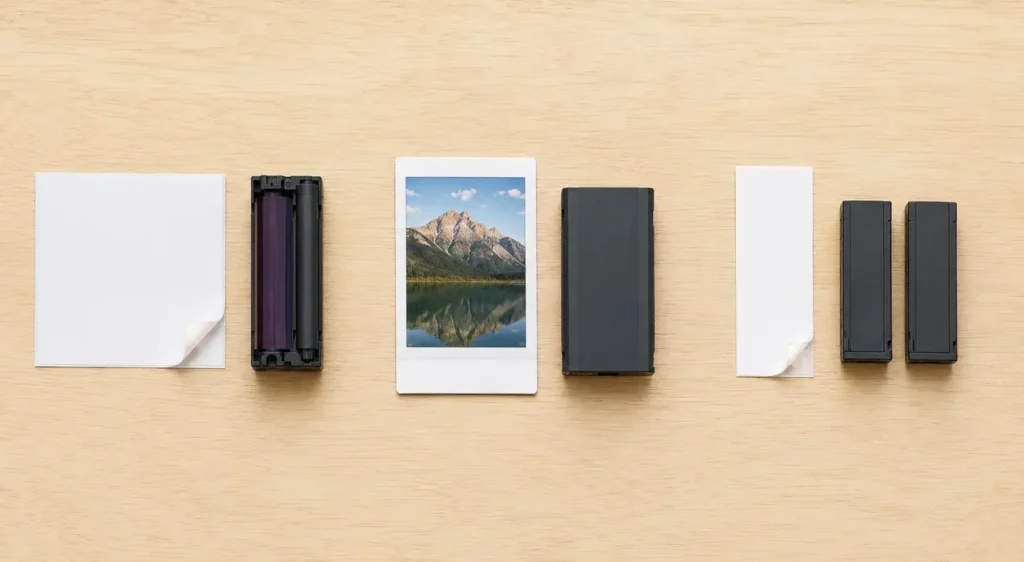
Canon pairs paper size with a matching ink cassette. Fujifilm exposes onto instax mini film. Polaroid combines sheets and color material inside small all-in-one cartridges. These systems are not interchangeable. Check the exact media code, count what a loaded pack can produce, keep unopened supplies dry, and include starter media when the printer box does not contain it.
Phone setup is part of every print
All three selected models rely on a mobile app, but Canon uses a Wi-Fi connection while Fujifilm and Polaroid use Bluetooth. Confirm the current app supports the recipient’s phone and operating-system version. Check requested permissions, keep the phone charged, and test the connection before a gathering. A pocket printer without a compatible app is not a useful offline backup.
Battery estimates need event margin
Fujifilm states about 100 prints per full charge, while Polaroid states up to 20. Those figures use different processes and test conditions, so they do not create a direct efficiency ranking. Charge before travel, bring the correct cable and power source, and leave time for cooling or reconnection if the manual requires it. Internal batteries also lose capacity with age.
Canon SELPHY QX20: best for square and card-size stickers
Choose the QX20 when one printer must switch between a 2.7-by-2.7-inch square sticker and a 2.1-by-3.4-inch card-format sticker. Canon documents dye-sublimation thermal transfer, 287-by-287 dpi output, a built-in battery, an integrated paper tray, USB-C charging, 2.4 GHz Wi-Fi with direct connection, and the SELPHY Photo Layout app. The two shapes make it the most adaptable option here for journals, small albums, labels with photos, and mixed page layouts.
The flexibility depends on two distinct media systems. Canon lists XS-20L for square sticker paper and XC-20L or XC-60L for card-format sticker paper. Each combines paper with the matching ink cassette, so changing format means changing both the loaded sheets and the cassette. Store opened media in its intended packaging, keep fingerprints and dust away from printable surfaces, and never assume a cassette for one size belongs with the other.
Canon supplies a USB-C-to-USB-C charging cable but not a power adapter, and the port is for charging rather than photo transfer. There is no card slot. Printing therefore depends on a compatible iOS or Android phone, the current app, and the supported wireless connection. That is convenient for a phone-first household but less suitable for someone who wants direct printing from a memory card, computer cable, or camera.
Who should avoid it: skip it if only one simple 2-by-3 format is needed, if changing ink-and-label sets sounds tedious, or if direct card or wired-computer printing is required.
Fujifilm instax mini Link 3: best for the instant-film experience
Choose the mini Link 3 when the visible white border and developing instant-film experience are part of the gift or event. Fujifilm documents three-color OLED exposure onto instax mini film, Bluetooth 5.1, a roughly 15-second printing process, and about 90 seconds for the image to develop under typical conditions. The free app can print a still from a phone or video and includes collage, frame, remote-camera, and effect features.
The sheet and image measurements should not be confused. The full instax mini print is 86 by 54 mm, while the recorded image area is 62 by 46 mm. That border is a visual feature and a space for handling, but it means the photograph itself is smaller than a dye-sublimation 2-by-3 image filling more of its sheet. The print is also not adhesive. Choose this model for the instant look and shared ritual, not because the media dimensions sound similar to a sticky card.
Fujifilm states approximately 100 prints from a full charge, with actual output dependent on use, and a 1.5-to-2-hour charge time. A short USB-C cable is supplied. Those numbers are useful planning estimates rather than promises for every temperature and battery age. The app and Bluetooth connection are central to the workflow, so confirm phone compatibility before gifting and update the app before an event rather than during it.
Who should avoid it: choose another model if adhesive backing, a larger active image area, a non-developing print, or a workflow independent of an app is more important than instant-film character.
Polaroid Hi·Print Gen 2: best simple 2-by-3 sticky workflow
Choose the Hi·Print Generation 2 when every finished print should use the same 54-by-86 mm sticky-backed format. Polaroid documents a 4PASS dye-diffusion thermal-transfer process, Bluetooth, the Hi-Print phone app, USB-C charging, and compatibility with its dedicated 2×3 paper cartridge. There is no square-media decision and no separate loose ribbon to match; the paper and color material travel together in an all-in-one cartridge.
Each retail media pack contains two individually wrapped cartridges with ten sheets each. Polaroid states a print time under 60 seconds for the compatible paper. A ten-print cartridge can be easy to swap, but it also means an event needs enough unopened media and a place to hold used cartridges. Do not open several packs at once, and keep the printable side and adhesive backing clean. The same paper works across Hi·Print 2×3 generations according to Polaroid.
The printer page lists up to twenty photos per battery charge and charging in under an hour. More importantly, the printer does not include a cartridge or USB-C cable. A recipient who opens only the printer box may be unable to make the first print. Verify that a compatible cartridge and cable are part of the same order or choose a clearly identified starter set. This is an ownership detail, not a minor accessory footnote.
Who should avoid it: skip it if square prints, instant-film borders, more than ten sheets per loaded cartridge, or an in-box cable and starter media are required.
Match the printer to the way photos will be used
A scrapbook mixes square and card layouts
Start with the Canon SELPHY QX20. Two sticky-backed formats create the most layout flexibility, as long as both matching media systems are stored correctly.
The print itself is part of the party
Start with the Fujifilm mini Link 3. The bordered instant-film output and developing wait create a different social experience from a finished sticker.
Every print should peel and stick
Start with the Polaroid Hi·Print Gen 2. One 2-by-3 format and all-in-one cartridges reduce media decisions, but starter supplies must be added.
Avoid these portable-printer mistakes
Do not compare only the outer sheet size. Fujifilm’s active image area is smaller than its bordered instant-film sheet.
Do not assume media is included. Fujifilm film is separate, and Polaroid explicitly excludes both the cartridge and USB-C cable from the printer box.
Do not mix consumables that merely look similar. Match the exact media or cartridge identifier to the printer generation and format.
Do not wait until an event to install the app. Confirm compatibility, permissions, connection, and firmware or app updates beforehand.
Do not touch or bend printable surfaces. Load media with clean dry hands and follow the storage temperature and humidity guidance on the package.
Frequently asked questions
Which portable printer makes the largest picture?
The answer depends on whether you mean the full sheet or the active image. Canon offers a 2.7-inch square and a 2.1-by-3.4-inch card format. Polaroid fills a 54-by-86 mm sheet. Fujifilm uses an 86-by-54 mm sheet with a smaller 62-by-46 mm image inside the border.
Are all three prints sticky-backed?
No. Canon’s QX20 label media and Polaroid Hi·Print paper have adhesive backing. Fujifilm instax mini film is a bordered instant photograph without a peel-and-stick layer. Choose based on the intended album, journal, display, or gift use.
Do these printers work without a phone?
The selected models are designed around their mobile apps. Canon does not provide a memory-card slot and uses its SELPHY app over Wi-Fi. Fujifilm and Polaroid use phone apps over Bluetooth. Check current iOS or Android compatibility before purchase.
What should be included with a printer gift?
Include compatible starter media, the correct charging cable, and access to a suitable power adapter. Canon includes a USB-C cable but no adapter. Fujifilm includes a short USB-C cable but film is separate. Polaroid includes neither a cartridge nor a USB-C cable with the printer.
Is dye-sublimation the same as instant film?
No. Canon and Polaroid move color through thermal-transfer processes and deliver a finished print. Fujifilm exposes an instant-film sheet that continues developing after it leaves the printer. The appearance, timing, border, adhesive behavior, and consumable storage differ.
The bottom line
Canon SELPHY QX20 is the flexible two-format sticker choice, Fujifilm mini Link 3 is the instant-film choice, and Polaroid Hi·Print Generation 2 is the simple 2-by-3 sticker choice. Pick the media you want to handle and replace, then confirm phone compatibility and add every missing starter supply. For another screen-to-home display option, read Hamejur’s digital photo frame guide or browse Home Office.
Canon SELPHY QX20
For switching between square and card-size sticky prints
Fujifilm instax mini Link 3
For bordered instant-film prints and a social event workflow
Polaroid Hi·Print 2×3 Generation 2
For one repeatable 2-by-3 sticky format and cartridge swaps
Sources and method
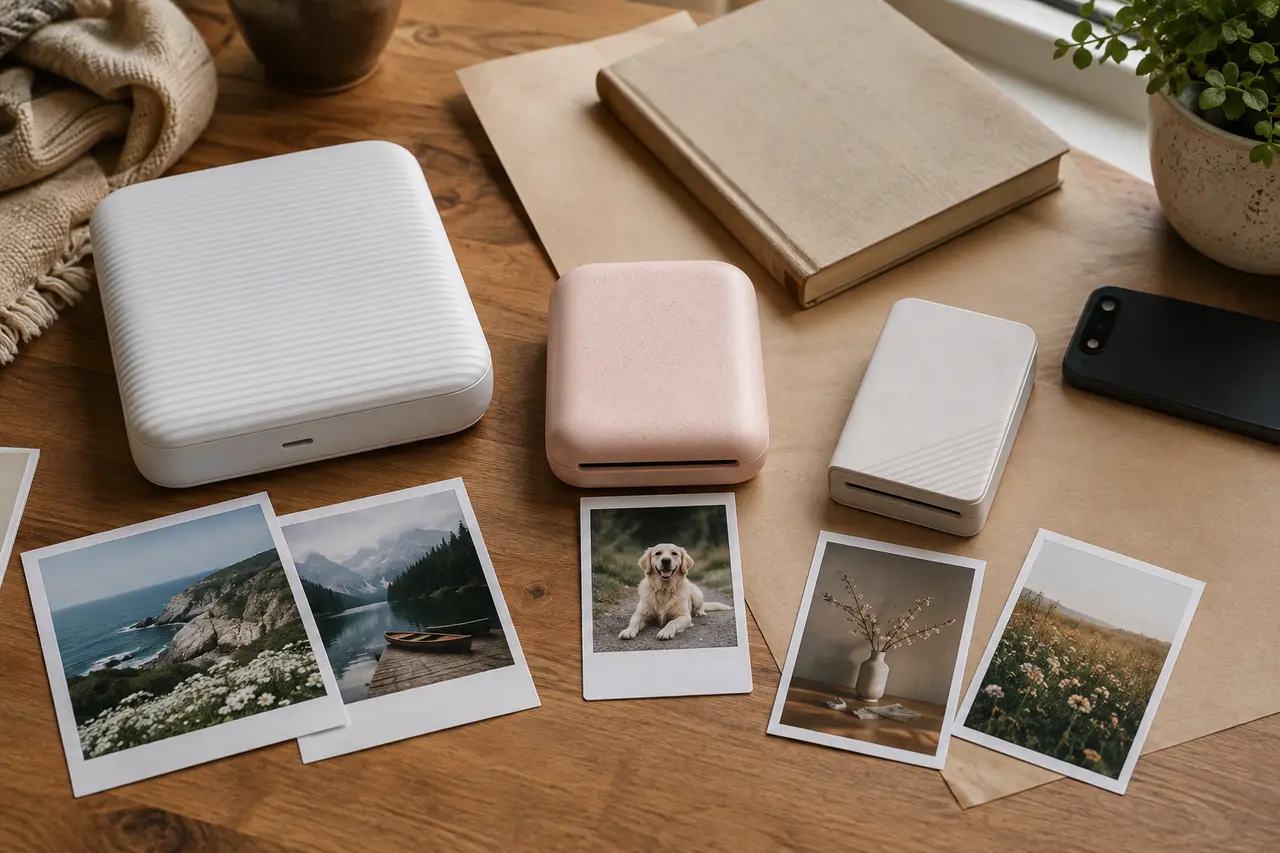
Hamejur compared exact U.S. model identity, official print process, full sheet and active image dimensions, adhesive behavior, media and cartridge structure, app connection, charging, battery estimates, starter contents, and operating limits on September 1, 2026. Hamejur did not physically test these printers. Contextual images show generic printers and media systems rather than the named products. Manufacturer timing and battery figures were treated as estimates, not direct cross-brand performance results.
Read How We Compare for Hamejur’s evidence, selection, and disclosure standards.
Primary sources: Canon SELPHY QX20 official product page; Canon SELPHY QX20 technical support; Fujifilm instax mini Link 3 specifications; Fujifilm instax mini Link 3 product page; Polaroid Hi-Print 2×3 Generation 2 product page; Polaroid Hi-Print 2×3 media page.