As an Amazon Associate I earn from qualifying purchases. Hamejur's conclusions remain editorially independent.
Shared memories · Buyer guide
Short answer: the most useful digital photo frames for families differ in who carries the technical burden. Choose the Aura Carver Mat 10 for subscription-free unlimited cloud sharing and a landscape display; the Skylight Frame 10 when relatives should be able to send photos by email and the frame should keep showing stored images offline; and the Nixplay Modern 10.1 W10K for albums, auto-rotation, wall mounting, and optional expanded cloud features. The gift recipient’s Wi-Fi, account comfort, and willingness to manage a subscription matter more than decorative frame finishes.
Disclosure: As an Amazon Associate I earn from qualifying purchases. Hamejur does not receive payment for choosing one frame over another. Prices, availability, storage plans, app features, and package contents can change, so verify the exact model and current service terms before ordering.
Quick verdict
Best subscription-free shared library: Aura Carver Mat 10. Aura states that it includes unlimited photo and video storage with no subscription, supports multiple contributors, and allows gift preloading. Its 10.1-inch 1280 × 800 display is landscape-only, setup requires the Aura app, and ongoing display depends on Wi-Fi.
Best email-first recipient experience: Skylight Frame 10. Friends and family can share through the free app or email without their own account or subscription. The 10-inch 1280 × 800 touchscreen stores up to 8GB and can display existing photos offline. New uploads still require Wi-Fi.
Best for album control and flexible placement: Nixplay Modern 10.1 W10K. It supports app, web, and email uploads, multiple albums, auto-rotation, a detachable stand, and wall mounting. The free account has a published cloud-storage ceiling, while larger storage and some connections belong to optional paid plans.
The three picks at a glance
UNLIMITED SHARING PICK
Aura Carver Mat 10
A 10.1-inch 1280 × 800 landscape display, unlimited cloud storage, no subscription, gift preloading, and contributor invitations suit an ongoing family library.
Watch for: the Aura app is required for setup and settings, and the frame needs Wi-Fi to receive and display cloud content. It cannot rotate into portrait orientation.
EMAIL-FIRST PICK
Skylight Frame 10
Free app or email sharing, a 10-inch touchscreen, 8GB of storage, gift mode, sleep scheduling, and offline display reduce the recipient’s daily workload.
Watch for: Wi-Fi is still required for setup and new photos. Confirm which advanced features, file types, and service options are included at purchase.
ALBUM AND ORIENTATION PICK
Nixplay Modern 10.1 W10K
A 10.1-inch 16:10 touchscreen, app/web/email uploads, albums, auto-rotation, wall mounting, speaker, and detachable stand support a more configurable display.
Watch for: Nixplay’s free plan has finite cloud storage. Optional plans expand storage, video length, shared albums, and selected outside-service connections.
How Digital Photo Frames for Families Compare
| Decision factor | Aura Carver Mat 10 | Skylight Frame 10 | Nixplay Modern 10.1 W10K |
|---|---|---|---|
| Display | 10.1 in, 1280 × 800 | 10 in, 1280 × 800 IPS | 10.1 in, 720p HD IPS |
| Orientation | Landscape | Not specified on current page | Auto-rotate portrait/landscape |
| Basic sharing | Aura app, email, web, text options | Free app or email | Free app, web app, or email |
| Published free storage | Unlimited cloud | 8GB on frame | 500MB photo cloud plan |
| Offline behavior | Wi-Fi required for cloud display | Stored photos continue | Confirm current cached behavior |
| Gift preparation | Preload photos and message | Gift Mode preloading | Preload photos, videos, message |
| Main caution | App and Wi-Fi dependence | Smaller local ceiling | Plan limits and service complexity |
A digital frame is a small household service, not merely a screen. Someone owns the account, someone approves contributors, someone maintains Wi-Fi, and someone decides what happens to family photos if the frame is transferred or retired. Choose that operating model before comparing bezels.
Start with the recipient, not the person buying
Account ownership should be decided before gift setup
The buyer can preload a frame, but the recipient may later need control over Wi-Fi, sleep schedules, photo removal, contributor access, and privacy. Decide whether the recipient will own the primary account, whether a family organizer will administer it, and who can recover the account if a phone number or email changes. A surprise gift is still easier when the transfer of control is planned instead of improvised after unboxing.
The easiest sharing route is the one relatives will repeat
Aura centers its app and invited-member system while also documenting email, web, text, and share-sheet routes. Skylight emphasizes a dedicated email address and says senders do not need an account or subscription. Nixplay offers app, web, and email uploads with album organization. An elaborate album system adds little if the least technical contributor will only use email; a single stream may feel limiting if one organizer manages several households and events.
Cloud storage and on-frame storage fail differently
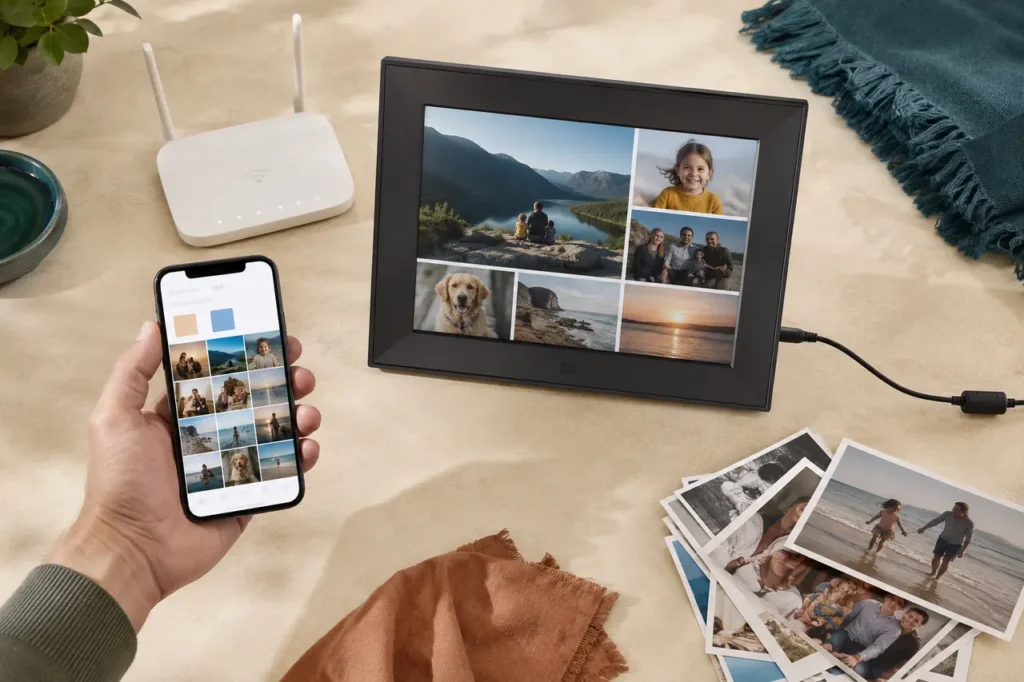
Aura’s unlimited cloud model removes a visible photo-count ceiling, but Aura states that Wi-Fi is required because new content arrives from the cloud. Skylight publishes 8GB of on-frame storage and offline playback for existing photos, so a temporary connection failure does not blank the stored slideshow. Nixplay’s free account publishes a finite cloud allowance and optional larger plans. Cloud storage reduces manual file copying; local storage gives the frame more independence after content arrives.
Aspect ratio decides how often someone crops
The Carver Mat and Skylight use wide displays, while Nixplay specifies a 16:10 panel and auto-rotation. Smartphone portraits can appear paired, cropped, or bordered on a landscape screen. A frame that rotates can fit a portrait-heavy library more naturally, but only if its stand and placement support that orientation. Before buying, sample twenty family photos and count landscape, portrait, screenshots, scanned prints, and group shots with faces near the edge.
A frame needs an exit plan
Family photos are personal data. When a frame changes homes, is sold, or stops working, remove contributors, unlink outside photo services, export anything that exists only in the service, and use the manufacturer’s reset process. Do not assume deleting the mobile app erases the frame or cloud library. Keep the account email and recovery method in a household password manager rather than with an informal note taped to the device.
Aura Carver Mat 10: best for unlimited shared photos without a subscription
Choose the Carver Mat 10 when the family expects a large, continuously growing library and does not want a storage subscription. Aura specifies a 10.1-inch landscape display at 1280 × 800, a paper-textured mat border, portrait pairing, automatic on/off behavior, a touch bar, and a built-in speaker. Aura states that photos and videos can be added without a subscription and without a published storage ceiling.
The gifting workflow is the strongest part of the system. A buyer can prepare photos, videos, contributors, and a message before the recipient connects the frame. Once claimed, invited relatives can keep adding memories remotely. Aura also documents captions, an in-app scanner for printed photographs, multiple-frame sharing, and up to 30-second videos with sound. That makes the service useful when several households contribute over time.
The limitation is infrastructure dependence. Aura requires its app for setup, invitations, and settings, and its help material states that Wi-Fi is required because frames receive new content through the cloud. Carver Mat remains a landscape frame; portrait photos may be paired rather than shown as one full-screen vertical image. If the recipient dislikes apps or has unreliable Wi-Fi, unlimited storage does not solve the central fit problem.
Who should avoid it: skip it when the recipient needs stored photos to remain reliably visible through long Wi-Fi outages, wants a portrait orientation, or will not use an app-based account.
Skylight Frame 10: best for email-first family sharing
Choose the Skylight Frame 10 when relatives already understand email and the recipient should not manage every contributor through an app. Skylight specifies a 10-inch 1280 × 800 IPS touchscreen, 8GB of storage for up to the manufacturer’s stated 8,000-photo estimate, gift preloading, sleep scheduling, and free app or email sharing without a sender account or subscription.
The useful distinction is what happens after setup. New photos still need Wi-Fi, but Skylight states that existing stored photos remain viewable offline. A touchscreen lets the recipient crop, zoom, and acknowledge a photo with the Heart control on the frame. The dedicated address gives family members a familiar submission route and reduces the number of people who need credentials.
The 8,000-photo figure is a manufacturer estimate, not a fixed promise for every file; actual storage depends on file size and processing. The current product page lists JPEG, BMP, PNG, and GIF support but does not present every advanced service feature in one place. Confirm video support, album controls, remote settings, orientation, and any paid option that matters before choosing this model for a specific workflow.
Who should avoid it: choose another frame if unlimited included cloud storage, a clearly documented portrait mode, or a larger advanced feature set is more important than email simplicity and offline display.
Nixplay Modern 10.1 W10K: best for albums and flexible placement
Choose the W10K when the organizer wants named albums, portrait-or-landscape rotation, and both tabletop and wall placement. Nixplay specifies a 10.1-inch 16:10 IPS touchscreen, 720p HD resolution, built-in speaker, auto-rotation, a non-recording activity sensor for automatic on/off behavior, detachable stand, wall mounting, and app, web, or email uploads.
Nixplay’s album model suits a curator who wants to separate family branches, trips, or events and decide which collections a frame plays. Gift setup supports preloaded photos, videos, and a welcome message. The frame accepts short video files, and its placement hardware offers more physical flexibility than a landscape-only tabletop design.
The ownership model requires closer reading. Nixplay publishes a free account with 500MB of photo cloud storage and basic tools; optional plans add larger or unlimited storage, longer videos, more shared albums, and selected third-party connections. Those plans can change, so record which functions the household actually needs. Do not choose the frame assuming every advertised connection is included forever with the hardware.
Who should avoid it: skip it when the family wants one subscription-free unlimited library and does not need album management, rotation, wall mounting, or optional service connections.
Choose based on how the family will contribute
Many relatives, one growing library
Start with Aura Carver Mat 10. Included unlimited cloud storage and contributor invitations reduce the need to ration photos or manage a paid storage tier.
A recipient who understands email
Start with Skylight Frame 10. A dedicated email route and offline display of stored photos keep the daily routine familiar.
One organizer managing albums and placement
Start with Nixplay Modern W10K. Album selection, auto-rotation, wall mounting, and optional expanded services give the curator more control.
Unreliable home Wi-Fi
Favor the frame with documented offline playback. Skylight explicitly states that existing photos remain visible offline; new uploads still wait for a connection.
Set up the gift without creating a support burden
1. Name the long-term account owner. Use an address the household can recover and document who controls contributor access.
2. Preload a small, edited library. Start with varied orientations and dates instead of dumping an entire camera roll with duplicates and screenshots.
3. Test the recipient’s Wi-Fi band and signal. Aura specifies a broadcast-capable 2.4GHz router; other frames also depend on a stable supported network for new content.
4. Invite two contributors first. Confirm the submission route and moderation expectations before sending access to the wider family.
5. Set a sleep schedule. The frame should turn off when the room is unused rather than glow through the night.
6. Write down the retirement steps. Include reset, account unlinking, photo export, and contributor removal in the household device record.
Frequently asked questions
Do digital photo frames work without Wi-Fi?
Some continue showing already stored or cached photos, but new remote uploads require a connection. Skylight explicitly documents offline viewing for existing photos. Aura states that Wi-Fi is required because content arrives through its cloud service. Nixplay’s current pages should be checked for the exact offline behavior expected from the chosen model and account plan.
Does every family member need an account?
No. Skylight says friends and family can send by email without an account or subscription. Aura uses invited members and requires a free account for people joining the frame, while also documenting other sending routes. Nixplay supports app, web, and dedicated-email uploads. Limit access to people the owner recognizes and check the contributor list periodically.
Can photos be loaded before the gift is opened?
Yes. Aura, Skylight, and Nixplay each publish a gift-preload workflow. The exact claiming step differs, so complete the preparation through the manufacturer’s current instructions and avoid inviting the recipient early if that would spoil the surprise. Test with a non-sensitive photo before loading the final family collection.
Will portrait photos look bad on a landscape frame?
Not necessarily, but they may be paired, cropped, or shown with borders. Aura’s Carver line uses portrait pairing on a landscape screen. Nixplay can rotate the display. The better choice depends on the library: group photos need edge space, scanned prints may already include borders, and close portraits tolerate less cropping around faces.
Is a subscription required?
Aura states that Carver Mat includes unlimited photos and videos with no subscription. Skylight says basic app and email sharing do not require a subscription. Nixplay includes a free plan with a published storage allowance and offers optional paid tiers for more storage and features. Verify current plan terms because service bundles can change independently of the hardware.
How should a digital frame be cleaned?
Unplug it, let the screen cool, and use the manufacturer’s approved dry or lightly damp microfiber method. Do not spray cleaner directly onto the display, vents, touch controls, or frame seams. Avoid placing the power cord where furniture pinches it, and keep the frame away from sinks, steam, and direct heat.
The bottom line
Aura Carver Mat 10 is the strongest subscription-free shared-library choice, Skylight Frame 10 is the clearest email-first choice, and Nixplay Modern W10K is the flexible album-and-orientation choice. Match the frame to the person who will own the account and the relative who is least likely to learn a new app. To turn phone pictures into physical keepsakes, compare our portable photo printer guide. For related setup decisions, see Hamejur’sMatter smart plug guide, compact document scanner guide, or the Smart Home section.
Aura Carver Mat 10
For unlimited shared photos without a subscription
Skylight Frame 10
For email-first sharing and stored offline playback
Nixplay Modern 10.1 W10K
For albums, rotation, and flexible placement
Sources and method
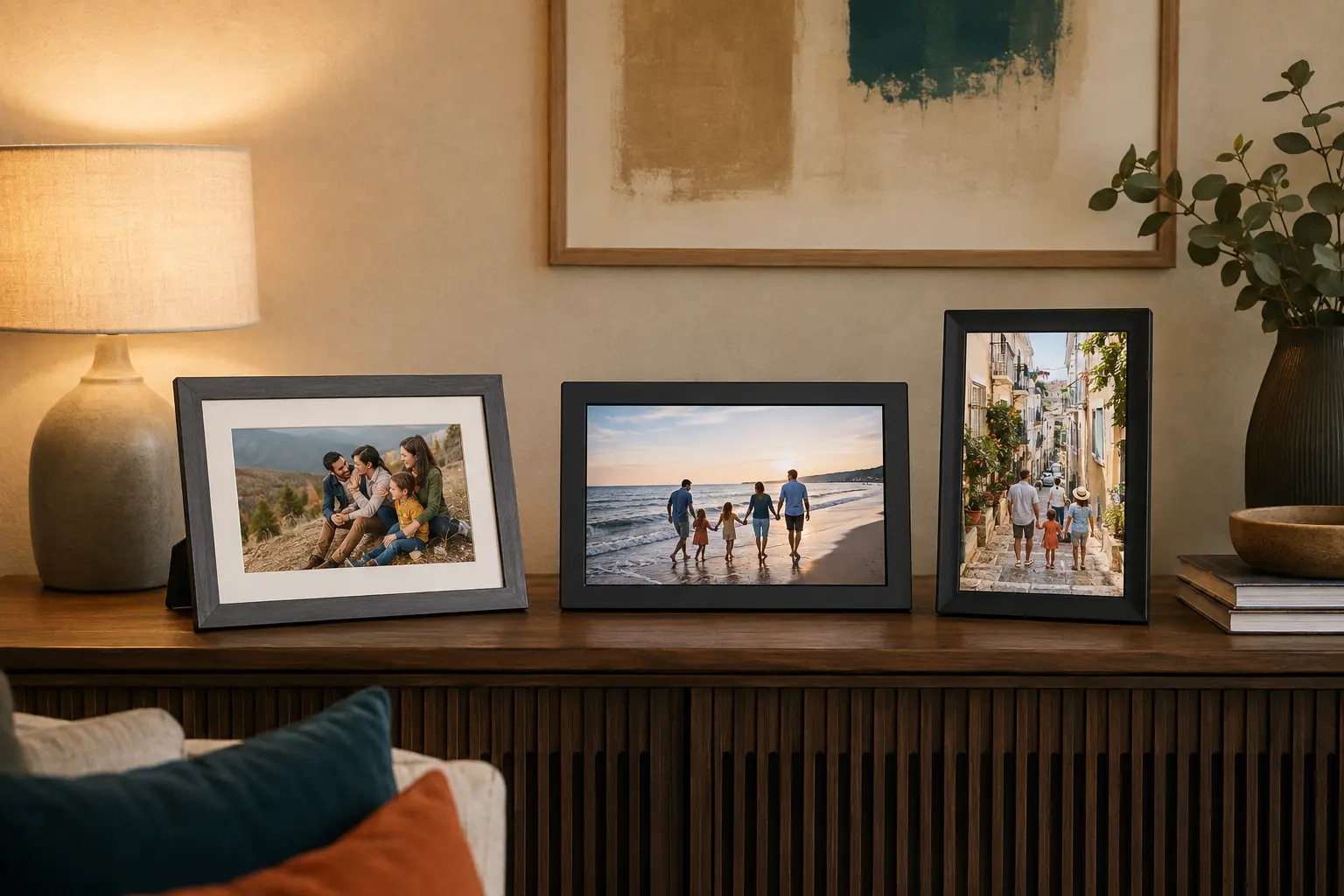
Hamejur compared exact U.S. product identity, display geometry, sharing routes, published storage, Wi-Fi dependence, gift preparation, placement, subscription boundaries, and account-management burden on August 30, 2026. Hamejur did not physically test these frames. Contextual images show family-sharing scenarios rather than exact products.
Read How We Compare for Hamejur’s evidence, selection, and disclosure standards.
Primary product sources: Aura Carver Mat official page; Aura frame comparison guide; Skylight Frame 10 official page; Nixplay Modern 10.1 official page; Nixplay account plan details.