As an Amazon Associate I earn from qualifying purchases. Hamejur's conclusions remain editorially independent.
Home office · Buyer guide
Short answer: the best compact document scanners solve different paper bottlenecks. Choose the Brother ADS-1300 for fast USB-connected batches at a fixed desk, the Epson WorkForce ES-C320W when several devices need wireless access, and the Canon imageFORMULA R10 when USB power and built-in scanning software matter more than top speed. All three use an automatic feeder and scan both sides, but their connection, paper-path, and software choices make them poor substitutes for one another.
Disclosure: As an Amazon Associate I earn from qualifying purchases. Hamejur does not receive payment for choosing one product over another. Prices, availability, software support, and specifications can change, so confirm the exact model and operating-system support before ordering.
Quick verdict
Best fast USB desk pick: Brother ADS-1300. Its published speed reaches 30 pages per minute, with single-pass duplex scanning and a 20-page feeder in a body about 11.3 inches wide. It is the straightforward choice when one computer and predictable batch work are the priority.
Best wireless shared pick: Epson WorkForce ES-C320W. It matches Brother’s headline 30-page-per-minute speed, adds 2.4 and 5 GHz wireless connections, and uses a flexible path for standard sheets, cards, and supported specialty media.
Best USB-powered travel pick: Canon imageFORMULA R10. It is slower at up to 12 pages per minute, but it draws power from the connected computer and includes CaptureOnTouch Lite for a lighter setup away from the main desk.
The three picks at a glance
FAST USB DESK PICK
Brother ADS-1300
Up to 30 ppm, single-pass duplex scanning, and a 20-page feeder suit recurring paper batches beside one computer.
Watch for: there is no Wi-Fi. Confirm the included cable arrangement and current driver support for the computer that will operate it.
WIRELESS SHARED PICK
Epson WorkForce ES-C320W
Up to 30 ppm/60 ipm, a 20-page feeder, Wi-Fi, USB, and mobile scanning fit a shared home-office workflow.
Watch for: the 30-ppm test is based on letter pages at 300 dpi over USB; wireless transfer, OCR, and cloud upload can add time.
USB-POWERED TRAVEL PICK
Canon imageFORMULA R10
USB power, a 20-sheet feeder, duplex capture, and built-in software make it easy to move between compatible computers.
Watch for: its published speed is up to 12 ppm, well below the other two, and its computer-tethered design is not a shared wireless solution.
How Compact Document Scanners Compare
| Decision factor | Brother ADS-1300 | Epson ES-C320W | Canon R10 |
|---|---|---|---|
| Published scan speed | Up to 30 ppm | Up to 30 ppm / 60 ipm | Up to 12 ppm |
| Automatic feeder | 20 pages | 20 pages | 20 sheets |
| Duplex method | Single-pass | Single-pass | Both sides in one pass |
| Connection | USB | USB plus 2.4/5 GHz Wi-Fi | USB |
| Power approach | Powered by connected computer | External power | Powered by connected computer |
| Best fit | Fast batches at one desk | Shared and mobile access | Portable computer-tethered work |
| Main caution | No wireless sharing | More setup and network dependence | Lower throughput |
Manufacturer speed figures describe controlled scan conditions, not the full time needed to remove staples, straighten pages, run optical character recognition, name files, and verify the result. Epson states that its 30-ppm figure uses letter-size pages at 300 dpi over USB. Treat every published speed as a throughput ceiling, not a promise for a mixed receipt box.
Choose the paper path before the speed number
Batch size is only the starting point
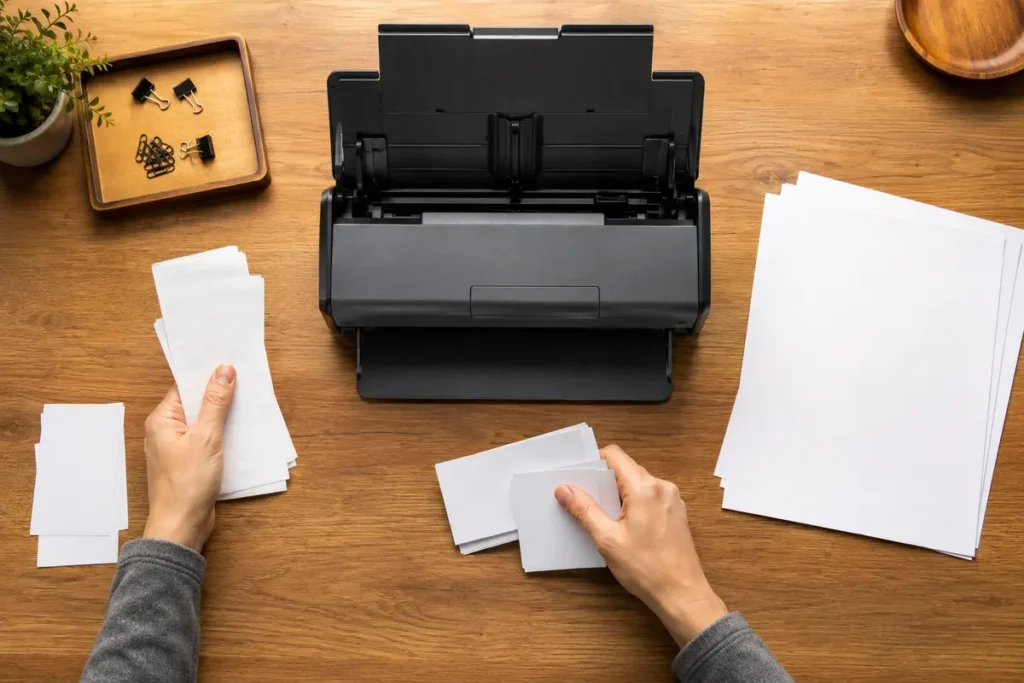
A 20-page feeder can clear a short contract, a month of statements, or a stack of forms without placing every sheet by hand. It does not mean twenty crumpled receipts will feed reliably. Remove staples and sticky notes, fan the stack, align its leading edge, and separate glossy or unusually thick pieces. A scanner that pauses on one bent receipt may take longer than a slower machine fed with clean, uniform pages.
Straight and U-turn paths serve different media
Compact bodies save depth partly by bending standard paper through a tight path. That is efficient for ordinary letter sheets but can be a poor fit for thick cards, booklets, fragile originals, or long receipts. Epson gives the ES-C320W a flexible path and specifies optional carrier-sheet requirements for some media. Brother and Canon also publish supported-media limits. Check the manual for the exact thickness, length, and carrier-sheet rule instead of assuming every item that fits the slot is safe to feed.
Wireless access is useful only if the destination is clear
The Epson can serve phones, tablets, and computers over Wi-Fi, but a wireless icon does not decide where a file ends up. Before buying, decide whether scans should land in a local folder, an email draft, a cloud account, or a document-management system. That choice determines which app, account, network permission, and computer driver you need. Brother and Canon avoid some network setup by staying USB-connected, but the operator must be physically near the connected computer.
OCR quality depends on source quality and software
Optical character recognition can make a PDF searchable, yet it is not equally reliable on faint thermal receipts, colored backgrounds, small fonts, handwriting, skewed pages, or low-contrast copies. Scanner resolution is only one input. Automatic cropping, blank-page removal, deskew, background cleanup, and the OCR engine all influence the usable result. Keep irreplaceable originals until you have opened the saved file, searched a few terms, and checked that every page is present.
Brother ADS-1300: best fast USB desk pick
Choose the ADS-1300 when the scanner will live beside one primary computer and speed matters more than wireless access. Brother publishes up to 30 pages per minute, a 20-page automatic feeder, and single-pass double-sided scanning. The roughly 11.3-inch width and low closed height make it easy to park at the back of a desk or place on a shallow shelf between sessions.
The USB-only design narrows the setup decision. There is no household network to join and no mobile app to maintain. That can be a benefit in a work area where documents should stay on one managed computer. It is also the limitation: another family member cannot simply discover the scanner from a phone or laptop across the room.
Brother lists 600 dpi optical resolution and software for organizing and converting documents, but the exact download, operating-system version, and feature set can change. Confirm support for the current Windows or macOS release before buying. The included USB-C cable carries both data and power from a compatible computer, so no separate power adapter is needed. Confirm that the computer has a suitable USB connection and that the current Brother software supports its Windows, macOS, or Linux version.
Who should avoid it: skip it if phone scanning, shared Wi-Fi access, or computer-powered travel use is central to the workflow. It is built for a direct USB desk connection.
Epson WorkForce ES-C320W: best wireless shared pick
Choose the ES-C320W when several people or devices need access and the scanner will remain near a reliable network. Epson publishes single-pass speeds up to 30 ppm/60 ipm, a 20-page feeder, USB, and both 2.4 and 5 GHz Wi-Fi. Epson Smart Panel adds phone and tablet scanning, while ScanSmart on a computer supports preview, naming, OCR, email, and uploads.
Its flexible scan path is the more important hardware difference. Epson lists standard paper, cards, and passports among supported types, with an optional carrier sheet required for the passport use it describes. The path does not remove the need to inspect staples, adhesives, curls, or thickness. It gives you a documented route for media that should not be forced around the ordinary turn.
Wireless convenience adds dependencies. The scanner, app, phone, router, and destination service all need compatible settings. A network change or app sign-out can interrupt a routine that worked yesterday. Keep USB as the fallback, save important records to a location you control, and verify that any cloud destination is appropriate for the document’s privacy level.
Who should avoid it: choose a simpler USB model if only one computer will scan, network setup is restricted, or the extra app and cloud options would add more decisions than value.
Canon imageFORMULA R10: best USB-powered travel pick
Choose the R10 when the scanner must travel between compatible Windows or Mac computers and a separate power brick would be a burden. Canon says the unit powers directly from the computer over USB, holds up to 20 sheets, scans both sides, and reaches up to 12 pages per minute. At about 11.22 inches wide and 2.2 pounds, it is the clearest portable choice in this group.
CaptureOnTouch Lite is stored with the device, reducing the setup needed for basic scanning on a supported computer. That is useful for temporary workspaces, family archive projects, or field paperwork. Built-in software is not the same as universal compatibility, however. Security settings, operating-system changes, ports, adapters, and managed-work computers can still affect whether the device runs as expected.
The trade-off is throughput. Twelve pages per minute is enough for small batches but materially slower than the 30-ppm headlines from Brother and Epson. USB power also ties the scanner to a computer during use. If several people need access or hundreds of pages are waiting, the portable advantage can turn into a queue.
Who should avoid it: skip it for high-volume backlogs, phone-first scanning, or a shared wireless workspace. Its strength is portable computer-tethered work, not maximum speed.
Match the scanner to the actual desk routine
One computer and recurring paper batches
Start with Brother. The direct USB workflow, 30-ppm headline, and compact body keep the process focused.
Several devices or mobile capture
Start with Epson. Wi-Fi and app support give the household more ways to start and route a scan.
Temporary desk or travel kit
Start with Canon. USB power and built-in software reduce the number of pieces that need to move.
Six checks before you order
1. Name the primary destination. Decide whether files go to one computer, a shared folder, a phone, or a cloud service. Buy the connection for that route.
2. Inspect the difficult originals. Measure long receipts, identify thick cards, and separate fragile or stapled pages. Compare them with the manual’s media limits.
3. Check the operating system. Confirm current driver and app support on the exact computer or phone. Do not rely on an old retail compatibility badge.
4. Measure working depth, not closed depth. Include the feeder, output tray, cable bend, and space needed to clear a jam. A scanner’s stored footprint can understate its working footprint.
5. Plan file naming and backup. A scanner creates files, not an archive policy. Use a consistent date-and-topic name, verify the PDF, and back up records that matter.
6. Budget for cleaning. Paper dust and adhesive residue collect on rollers and glass. Follow the manual’s cleaning method and replace consumable rollers only with exact-model parts.
Frequently asked questions
Do I need 600 dpi for ordinary documents?
Usually not for clean text. A 300-dpi setting is a common balance between readability, OCR, file size, and speed, and it is the basis Epson states for its headline rate. Higher resolution can help small or damaged originals but creates larger files and may slow processing. Preserve photos or archival material with settings appropriate to that source rather than applying one office-document preset to everything.
Can these scanners handle receipts?
They can handle supported receipt sizes and thicknesses, but receipt condition matters. Thermal paper curls, narrow widths, adhesive, folds, and fading can cause feed or OCR problems. Flatten the receipt, check the manual’s minimum width and length, use a carrier sheet when specified, and verify the digital copy before discarding the original.
Is wireless scanning more private than USB?
Not inherently. USB keeps the scanner-to-computer link local, while Wi-Fi adds a network and possibly an app or cloud service. Privacy depends on the destination, accounts, network security, retention settings, and who can access the saved file. Sensitive documents deserve a deliberate local or managed storage route regardless of connection type.
Will OCR make every PDF searchable?
OCR can add a text layer, but recognition varies with print quality, language, layout, handwriting, and image cleanup. Open the result, search several terms, copy a sample line, and check page order. Keep the source when legal, tax, medical, or ownership records require the original or when the scan has not been verified.
Can a compact scanner replace a flatbed?
Not for every source. A feeder is a poor place for bound pages, delicate photographs, damaged originals, or material that cannot bend. Use a flatbed, overhead camera, professional service, or an approved carrier method for those items. The compact feeder earns its space by processing loose sheets quickly.
The bottom line
Brother ADS-1300 is the fast direct-USB choice, Epson ES-C320W is the flexible wireless choice, and Canon R10 is the portable USB-powered choice. Select compact document scanners from the paper path and file destination first, then compare speed. For the rest of the desk setup, compare our ergonomic mouse guide. For a useful next step after digitizing paper, see Hamejur’slabel-maker guide, or browse the Home Office section.
Brother ADS-1300
For fast batches at one USB desk
Epson ES-C320W
For Wi-Fi and shared access
Canon imageFORMULA R10
For USB-powered portable use
Sources and method
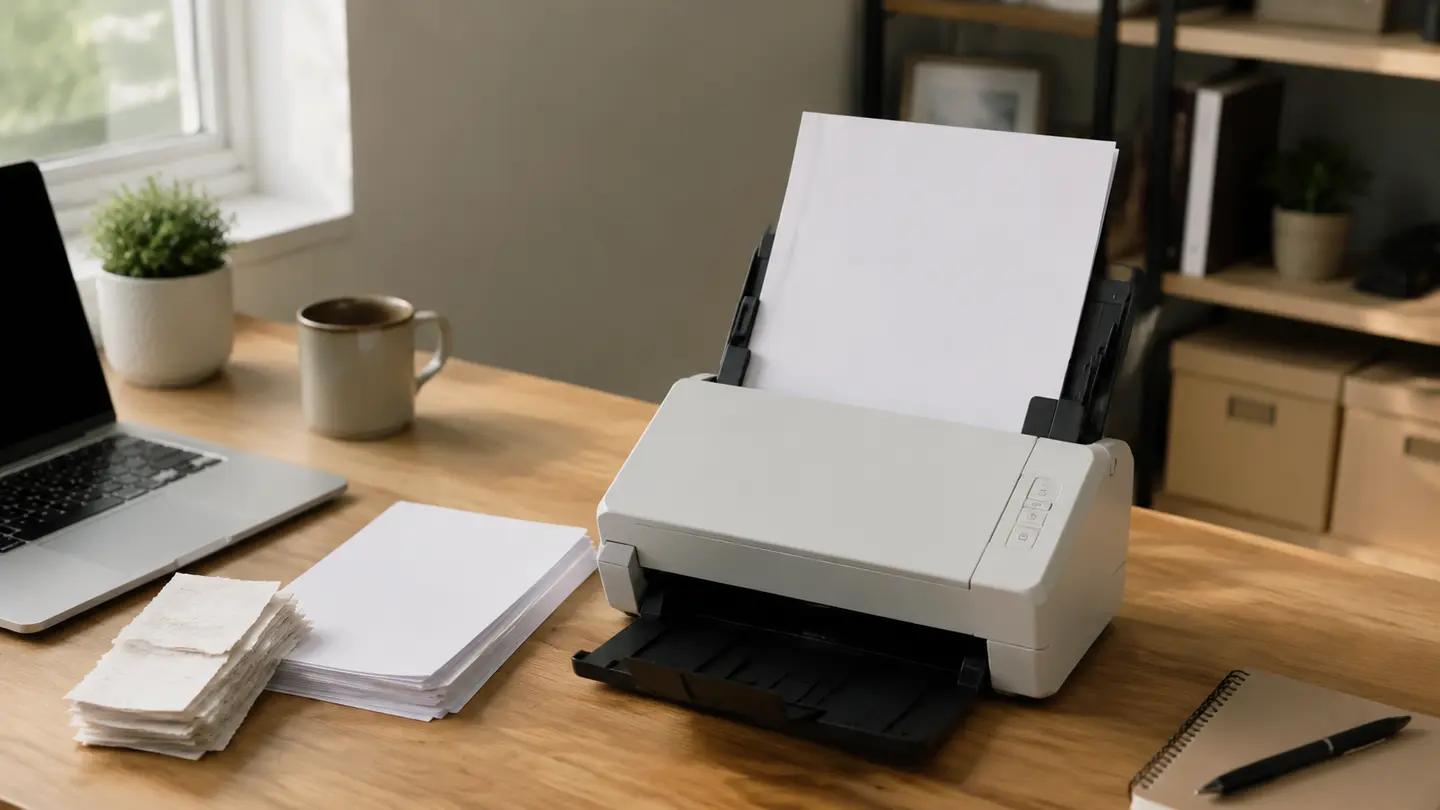
Hamejur compared exact U.S. model identity, published scan speed, feeder capacity, duplex method, connection, power approach, media path, software role, and maintenance guidance on August 28, 2026. Manufacturer speed claims are not represented as Hamejur lab results. Contextual images illustrate desk workflow and paper handling rather than exact products.
Read How We Compare for Hamejur’s evidence, selection, and disclosure standards.
Primary product sources: Brother ADS-1300 official page; Epson WorkForce ES-C320W official page; Canon imageFORMULA R10 official page.